Note references to installing OmniData in the user
guides (download via the online HELP option) should be ignored
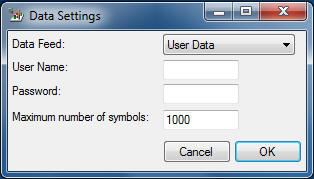
- If you are using PremiumData just review the set up video to ensure you have installed the software and data correctly in particular set up the shares to be in one folder. Click here for setup videos
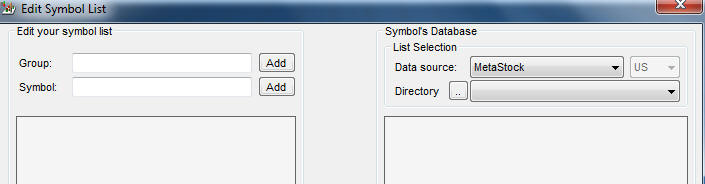
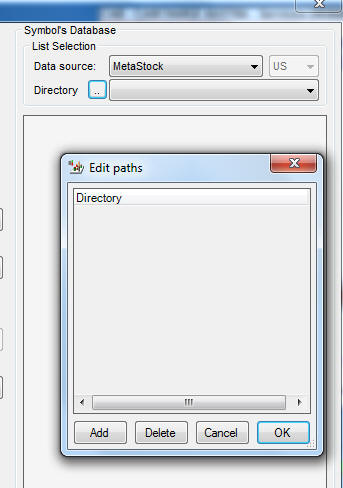
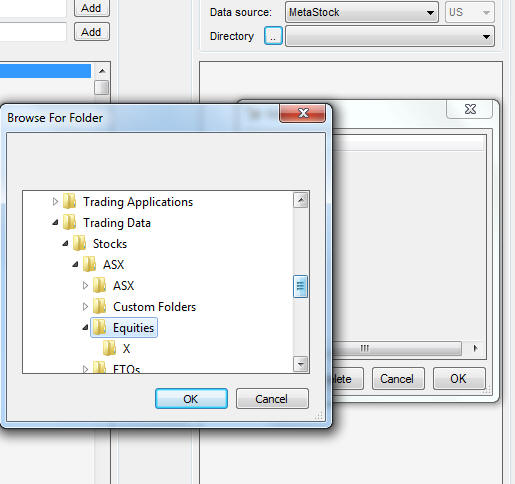
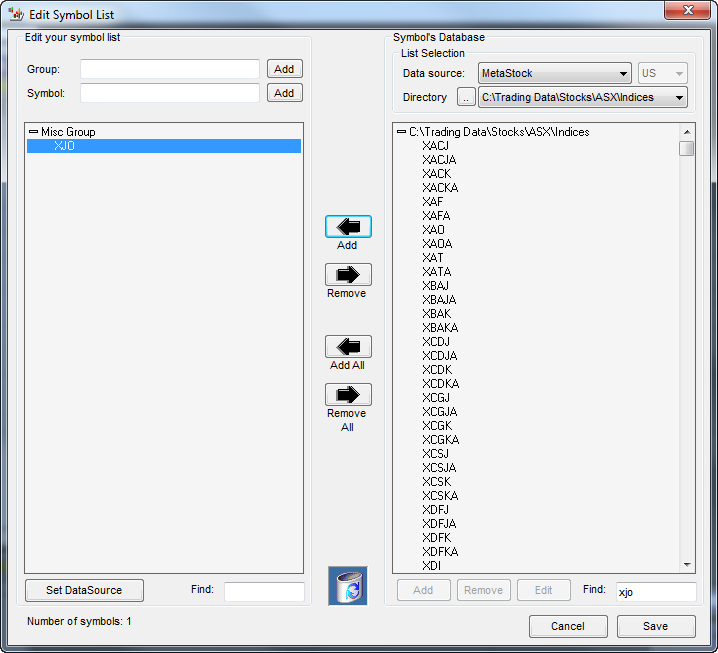
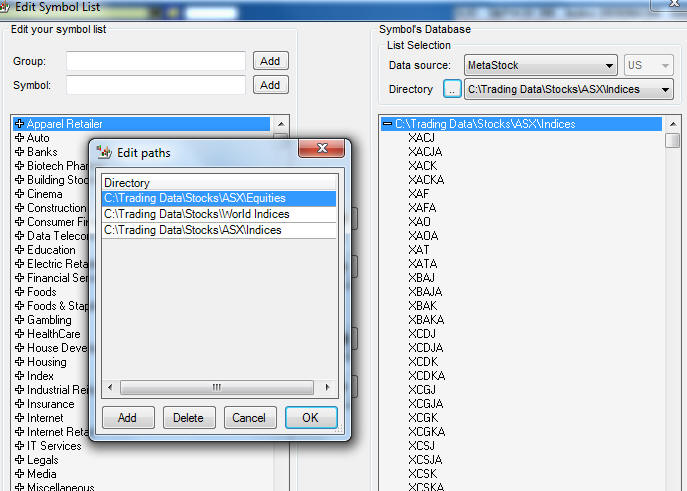
- Make sure data source is Metastock, Click on the directory to set up a data path to your data
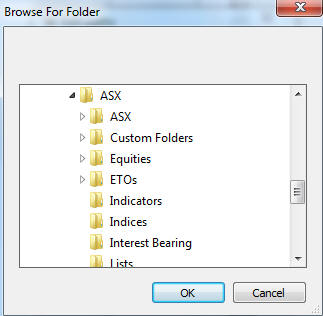
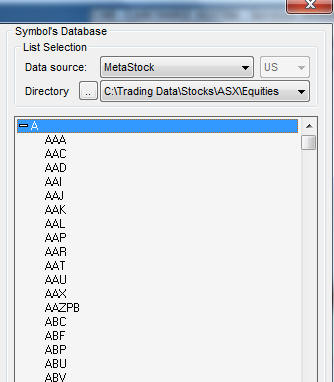
- Then make sure you click on the directory button and find the directory where you data is saved - add this directory. When done it must show a directory name as in this example
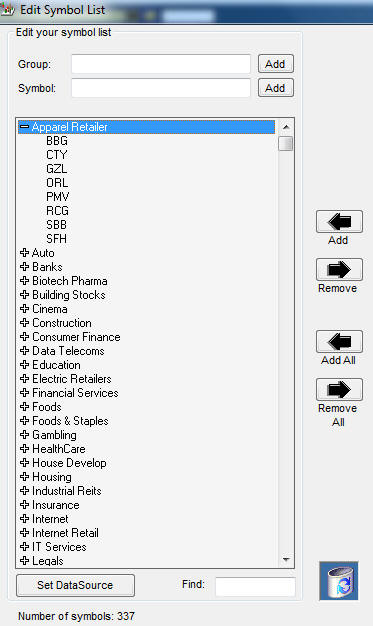
- To set up your Symbols List - add a group name then key in all the symbols from your Metastock data base into each Group , use the find box at bottom to select
- then SAVE
- Following below is a sample of shares by sector
- Click here for help in setting up your industry section including sample share lists by industry
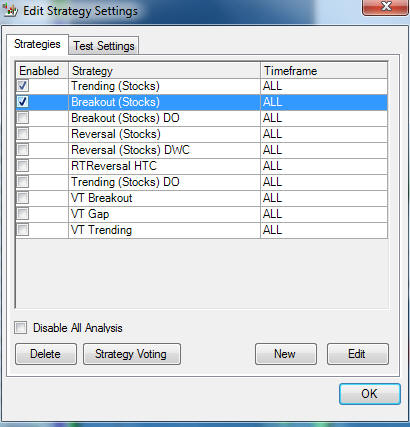
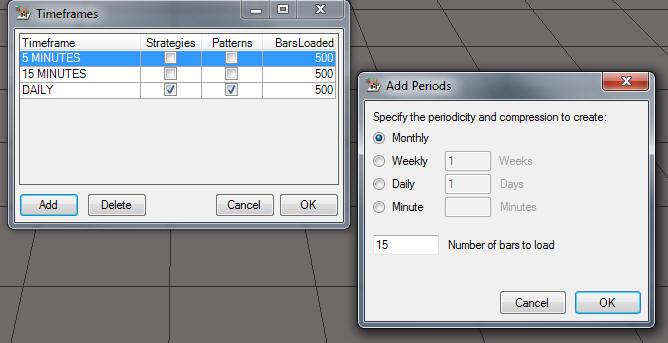
- You will not get any output on the charts if you select 5 m or 15 m as these are for real time only
- you can add daily, weekly and monthly plus other non time based periods
- Bars relate to the number of ticks you want to show and keep data for. Suggest you start by using the defaults.
- Very important >>> make sure your data manager (download) has been run otherwise the map will not complete
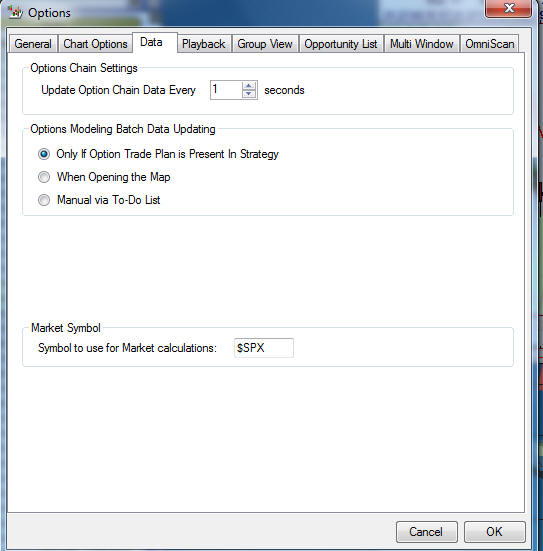
You need to change $SPX to XJO and add this to the opportunity list
You need to ensure you add the Australian index data base to the Symbol list
The index folder is located here